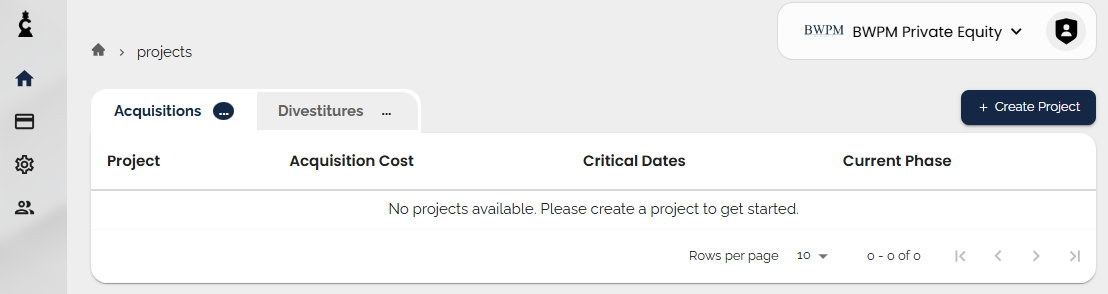
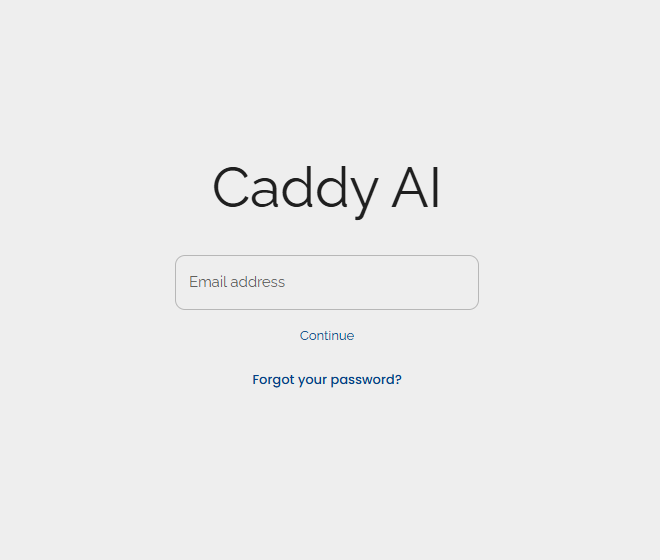
First thing, you’ll be asked for your email
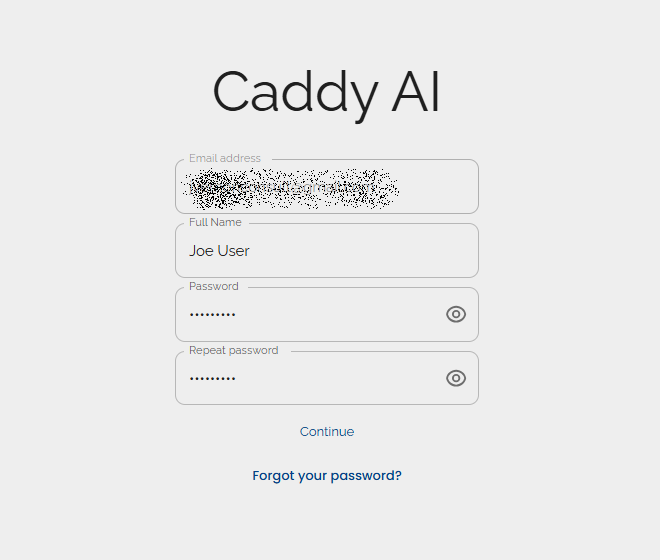
you’ll be asked to verify your email before the tenant is completely created
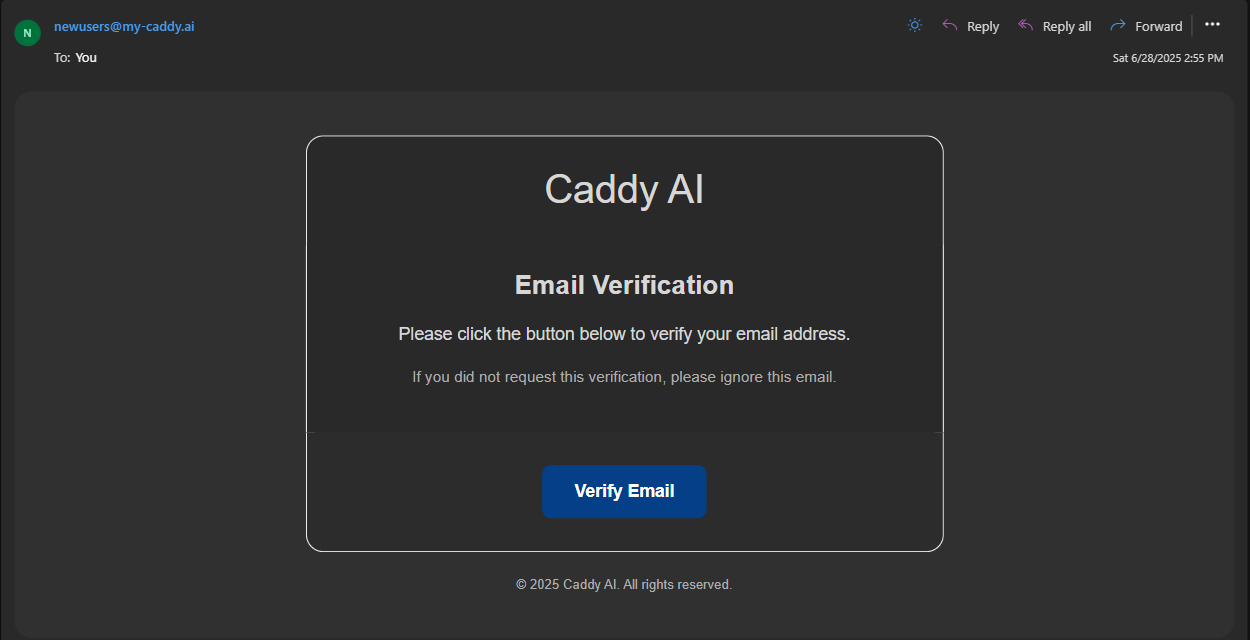
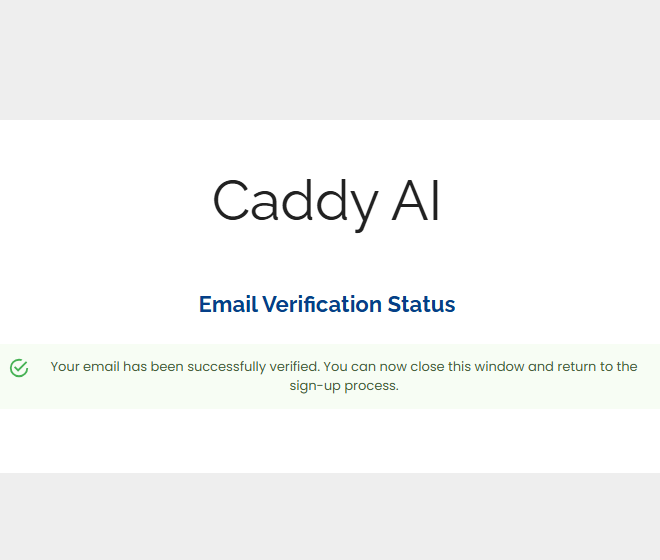
once you’ve verified your email, the tenant will be created
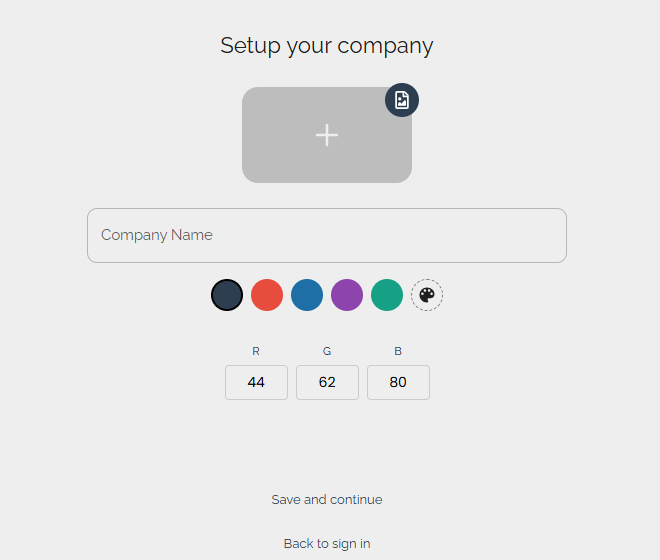
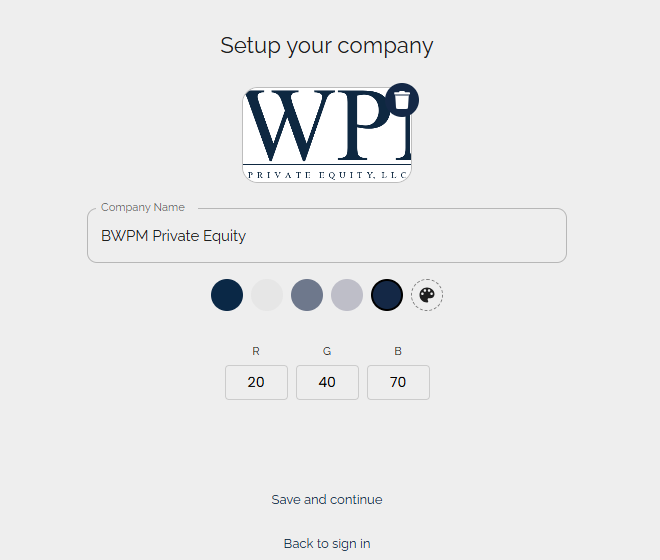
Click ‘save and continue’, then you’re off to the races
as you’re a new user, you’ll be prompted for your name, and to set a password
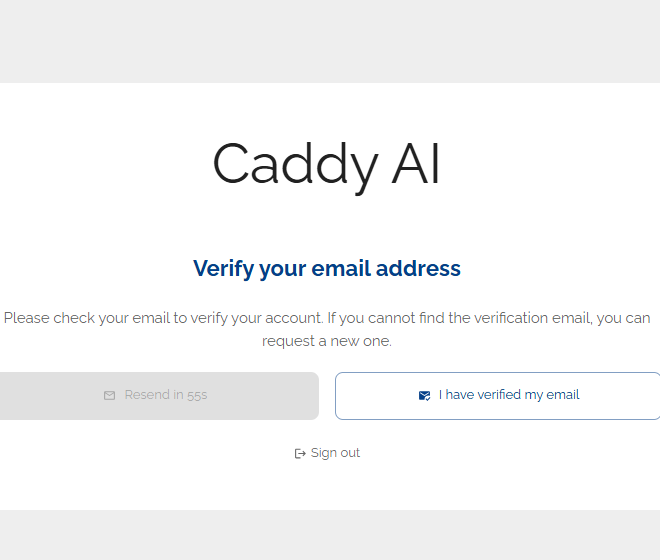
be on the lookout for the email from newusers@my-caddy.ai - it might be in your junk folder
Upload your corporate logo and pick an accent color - Caddy will make a SUGGESTION BUT choose whatever you like!